Software Testing Training
in Hyderabad With Placement
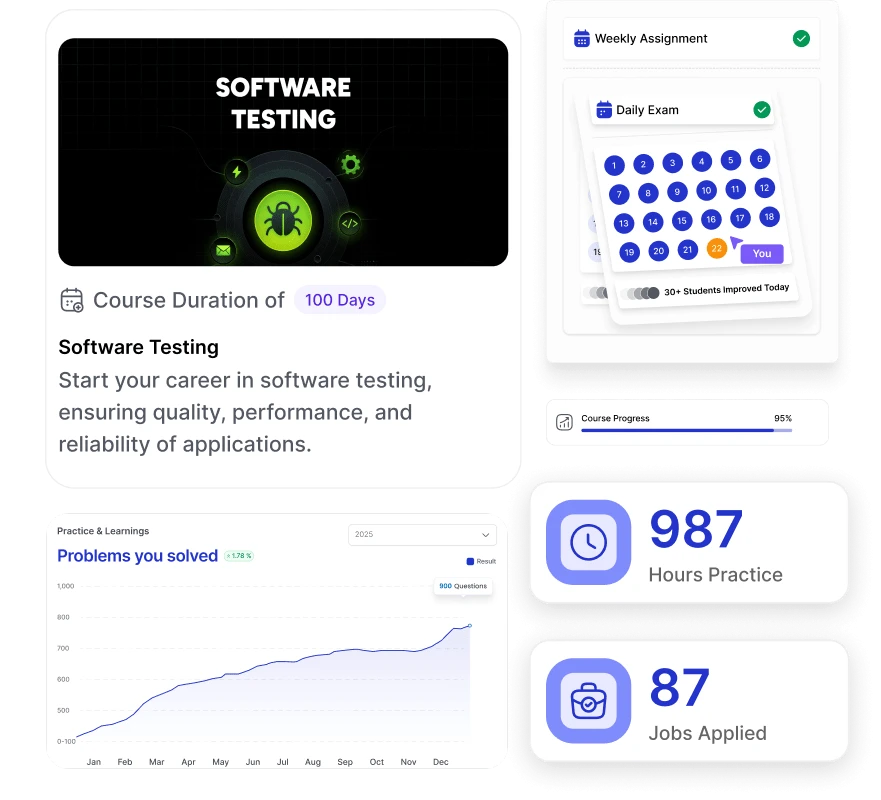
Codegnan’s Software Testing Training in Hyderabad is a 100-days offline training program designed for students, freshers, and IT professionals. It covers both manual and automation testing, focusing on real-world tools like Selenium, TestNG, Java, and MySQL.
The course follows a practical learning approach with live projects, hands-on assignments, and case studies.You’ll learn to write test cases, perform white-box and black-box testing, identify bugs, and use automation tools to improve product quality.
Enroll today for ₹50,000 and start your journey toward a software testing career in Hyderabad.
⭐ 4.8 (2,282 Reviews) Rating on every verified platform
Building bridges between learning and real-world success.
50 days Instructor Led Training
Self-Placed Videos
Exercises & Projects
Authorized Certification
Flexible Schedule
Lifetime Access & Upgrade
24/7 Lifetime Support
Course Overview
Overview of our
Software Testing Training in Hyderabad
Our 100-days software testing course in Hyderabad is designed to help you master both manual and automation testing. The curriculum covers core concepts like test case writing, white-box and black-box testing, along with hands-on training in Selenium, Java, TestNG, and MySQL. You’ll work on 4+ live projects to gain real-world experience and improve your problem-solving skills. The program is taught in English through offline, instructor-led sessions.
This course is ideal for freshers, IT graduates, software developers, and QA professionals looking to upskill. Priced at ₹50,000, it includes industry-recognized certification, lifetime learning access, and placement support, including mock interviews and resume.
100-day offline instructor-led training program
Manual and automation testing from basics to advanced
Tools taught: Selenium, Java, TestNG, MySQL
4+ live projects for real-world practical experience
1-on-1 mentorship and expert doubt support
Authorized Microsoft and HackerRank certifications
Designed for freshers, graduates, and working professionals
100% placement support with mock interviews and job drives
Career Growth
Is Codegnan’s Software Testing Course in Hyderabad Worth It?
Codegnan’s Software Testing Course in Hyderabad offers practical training, live projects, and placement support, but its value depends on individual learning expectations and experience.
1. Learn Software Testing from Scratch
Start with the basics of manual testing, SDLC, STLC, and test cases. This beginner-friendly course is designed for freshers, students, and IT professionals looking to build strong foundational QA skills without prior coding experience.
2. Hands-On Training with Tools and Projects
Work on real-world projects using Selenium, TestNG, Java, and MySQL. You'll complete 4+ live projects like e-commerce app testing and bug tracking systems, giving you the confidence and experience needed to tackle real QA jobs.
3. Certification That Adds Value
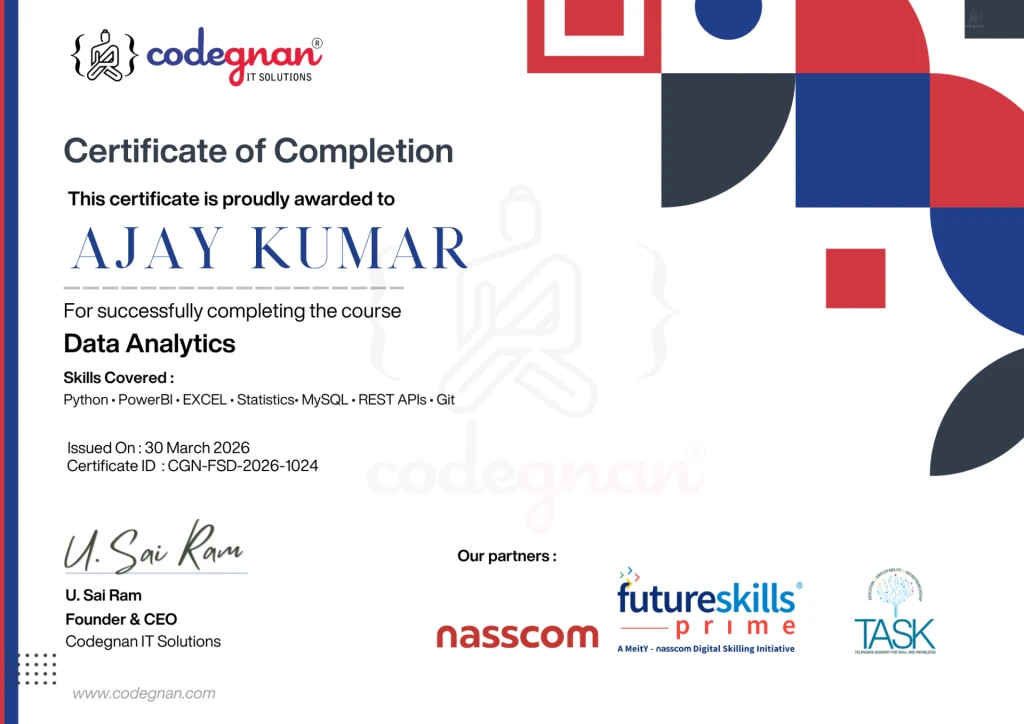
Earn an industry-recognized certificate from Codegnan that showcases your manual and automation testing skills. This certification strengthens your resume and improves your chances of getting shortlisted by top tech recruiters.
4. 100% Placement Assistance
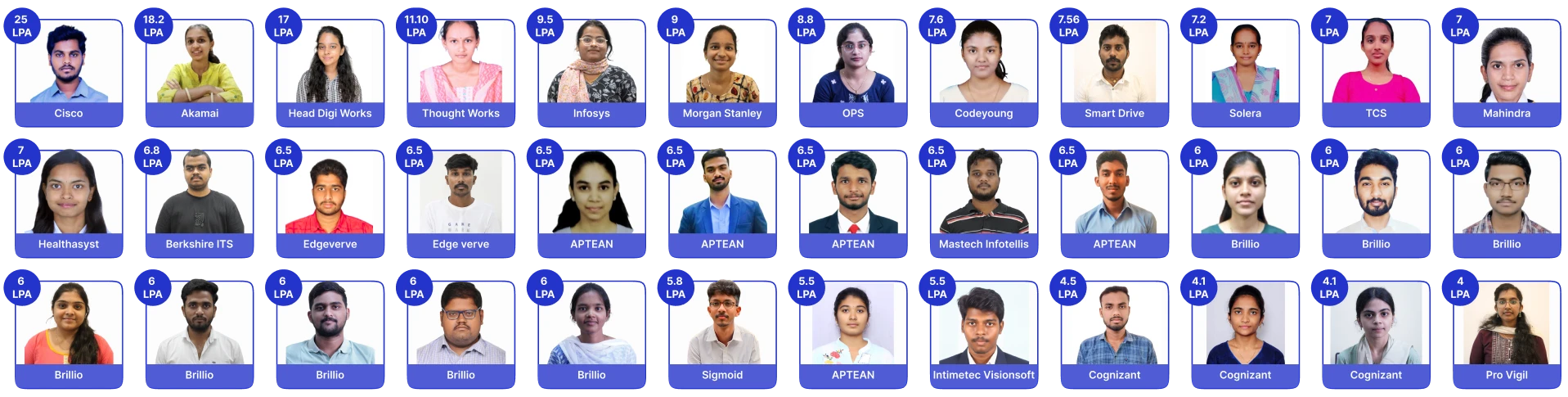
Get full placement support with resume writing, mock interviews, and access to 150+ hiring drives annually. Codegnan students have secured jobs in top companies across Hyderabad and India, thanks to expert career guidance.
5. Earn Higher Salaries in Tech Roles
Software testing is a high-demand skill with competitive salaries. Freshers can earn ₹2.0–3.5 LPA, while experienced testers in Hyderabad can make up to ₹8.0 LPA. With Codegnan’s training, you'll gain the skills and certification needed to unlock these high-paying QA roles.
6. Learn from Expert Mentors
Gain direct mentorship from experienced QA professionals who’ve worked in the industry. Their practical insights, doubt-clearing sessions, and project feedback ensure you're always guided the right way.
Learning Path
What You’ll Learn
A step-by-step roadmap designed to take you from fundamentals to job-ready expertise.
Manual Testing
Test Cases & Bug Reporting
Software Testing Fundamentals
Testing Concepts & Types
Automation Testing
Tools like Selenium
API Testing
Testing Web Services
Performance Testing
Load & Stress Testing
Real-time Projects
Industry Use Cases
Certification
Skill Validation
Placement Support
Interview Preparation & Getting Hired
You'll Have
Everything You Need to Become Job-Ready
Industry-recognized certification, modern tools, real-world projects, and dedicated placement support — all in one complete program.
Placement Support
Daily and weekly assessments for progress tracking
Weekly mock interviews covering QA & HR rounds
3 placement drives every week
Real-World Projects
Real-time testing projects with live applications
Manual and automation testing projects
Participation in QA challenges and testing scenarios
Tools You’ll Learn
Manual Testing
Selenium
TestNG
JIRA
API Testing (Postman)
Generative AI
Industry-Recognized Certification
Certification after each module
Codegnan Software Testing Certificate
Industry-recognized certifications from Nasscom, Microsoft, and HackerRank
Talk to our expert software testing mentors and see why we’re one of the best software testing training institutes in Hyderabad with placements to help you become job-ready and land a high-paying role in QA.
A Structured, Interview-Focused Training Model Designed for Real Industry Success
Placement-Oriented Training That Converts Skills Into Jobs
🔴 The Challenge
Many students learn concepts but struggle with interviews due to lack of practical exposure, communication skills, and structured preparation.
🟢 Our Approach
We combine industry-driven curriculum, real-world coding practice, soft skills training, and mock interviews to ensure students are fully prepared for hiring processes.
We don’t just teach concepts — we train you to crack interviews.
What this means?
Curriculum designed based on current industry demand
Strong focus on problem-solving & real-world scenarios
Projects You’ll Build in Software Testing
Course in Hyderabad
In our Software Testing training in Hyderabad, you’ll work on hands-on projects that reflect real QA workflows followed in top tech companies.
These projects cover manual testing, automation testing, database validation, and framework development, giving you the practical experience needed to confidently start your career as a software tester.
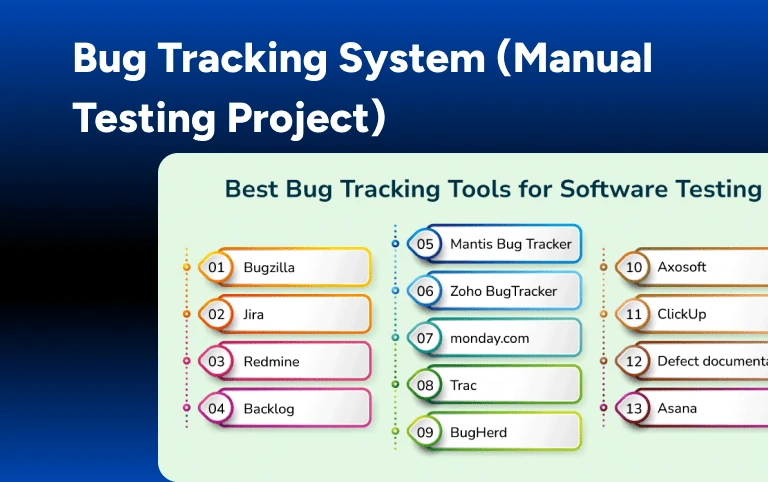
1. Bug Tracking System (Manual Testing Project)
Work on a real-time bug tracking tool to understand the full manual testing cycle. Learn to write detailed test cases, execute test scenarios, report bugs, and manage them through the complete defect life cycle. This project boosts your skills in identifying and documenting software issues clearly.
Led By Kishor Sir
Senior Mentor who have experience of 20 Years.
2. E-commerce Website Testing (Selenium Project)
Use Selenium WebDriver to test a functional e-commerce website. You’ll automate key user actions such as product filtering, cart updates, and payment flows. This project improves your ability to build UI test scripts and apply automation testing in real business environments.
Led By Kishor Sir
Senior Mentor who have experience of 20 Years.
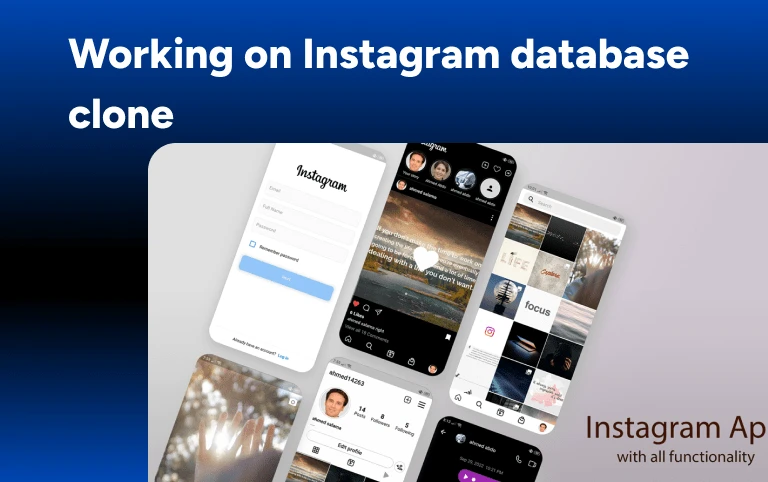
3. Instagram Database Clone (MySQL Project)
Create an Instagram-style database using MySQL. You’ll design and manage tables for users, posts, comments, and likes, while practicing SQL joins and queries. This project builds your database testing skills, essential for validating backend data in modern web apps.
Led By Kishor Sir
Senior Mentor who have experience of 20 Years.
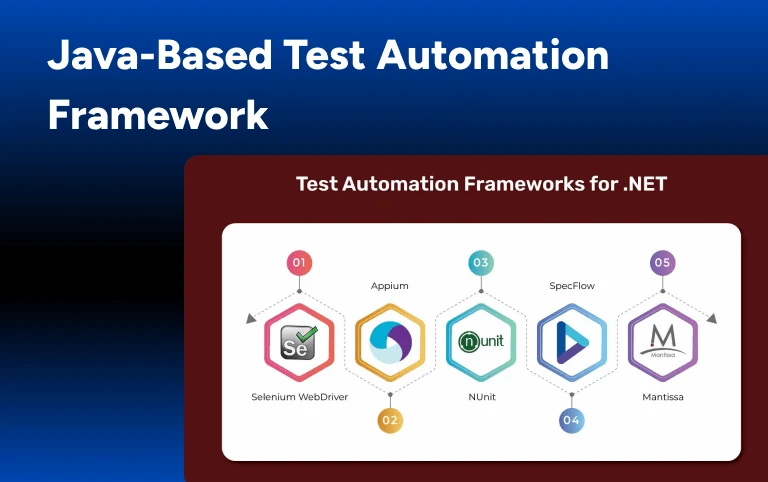
4. Java-Based Test Automation Framework
Build a robust automation testing framework using Java, TestNG, and Maven. Learn to organize scripts, use assertions, manage test suites, and generate reports. This project prepares you to work in professional QA teams and contribute to scalable test systems.
Led By Kishor Sir
Senior Mentor who have experience of 20 Years.
Who are these software training classes for?
01
1. College pass-outs and freshers
This course is suitable for fresh graduates from IT or non-IT backgrounds. If you want to work as a software tester, this course is suitable for you. It is designed for everyone from beginners to professionals, and is delivered by some of the top professionals in the industry.
02
2. Software Testers
Software testers can enroll for the course if they are looking to upskill themselves. Learning software testing can help them deploy high-quality software into the market. This add-on skill assists them in getting better jobs.
03
3.. Quality Assurance Engineer
Java’s USP is that it is a "write once, run any where" programming language. This allows you to create applications compatible with any device, regardless of the operating system. This cross-platform capability becomes a valuable asset in your skill set.
04
4. IT Professionals
Any IT professionals looking for a job to switch or enhance their skill set can join the course. It will help them learn a new skill and add them to their resume to create a better impact on employers.
Trusted by 4,000+ students and 850+ hiring partners
I am truly thankful to Codegnan IT Solutions for granting me the chance to intern with their wonderful organization. This experience has been a fantastic journey of growth and learning for me as a student, and it wouldn’t have been possible without their valuable guidance and mentorship. I am a ML student here, the course curriculum is well made with theoretical and practical knowledge. Great staff who guide you with all possibilities by clarifying your doubts.
Poojitha Reddy
I had a really good experience learning with Codegnan, through the bootcamp conducted at our college MLR Institute of Technology. Our mentor Ravi Shiva Ram Teja Sir, he taught us with aa hands o n project which boosted our learning process. The bootcamp was learning about Frontend technologies like HTML,CSS,JS and in addition we worked with APIs and learnt about github.
Eshwar Reddy Mandala
A Heartfelt Thank You to My Mentor Siva Ram Teja Sir, I wanted to take a moment to express my deepest gratitude for mentoring magnificently in this 2-day Bootcamp of “WEB MANIA 2.0”. Your mentorship has been a guiding light, shaping not only my professional skills but also my approach to challenges and opportunities.
Mellacheruvu Venkata Naga Nitya Pushkala
At present I am learning Java full stack developer course . As far as it was such a great experience and individual mentoring helping a lot and more experienced trainers ,and the most essential thing is practical learning everyday, We all knew that theoretical knowledge itself is not enough . Hands-on experience is also more important to learn and for problem solving . Thank you KishorKumar sir and Codegnan IT Solutions
Yegireddy Deekshitha
Hi guys!! I have been learning java FSD in Codegnan. The Trainers are very experienced. I Personally experinced that their teaching method is very good. They are teaching us from scratch . They are providing a good guidance to each and every student. Our trainer Kishor Kumar sir, I never experienced and imagined such a great teaching.
Boina Sowmya
I completed a Python course at Codegnan under the guidance of Manohar Chary sir, and his teaching style is so effective, He is explaining concepts so clearly. I highly recommend Codegnan for their excellent training. Thanks to Manohar Chary sir and the entire Codegnan team!
Naresh Bommarathi
wonderful learning experience at the 2 days web-development bootcamp, conducted by Ram Teja sir, he taught us many fundamentals of web-development while keeping the bootcamp engaging.
Poojitha
Just finished a 2 days bootcamp on web development by from codegnan, should say it was a great experience and especially under insightful mentorship by Mr. Siva Ram Teja.
Tech Expert with 6+ years of experience in Python Development, skilled in end-to-end solutions and training professionals across startups and enterprises.
Senior Java Trainer with 12+ years of experience in Java and Full Stack development, skilled in delivering scalable solutions and training students and professionals across enterprise environments.
Tech Expert with 5+ years of experience in Python Programming, skilled in delivering solutions and training students and professionals across startups and enterprise environments.
Master’s graduate in Computer Science and Engineering with 7+ years of experience in software development, skilled in building scalable applications and delivering efficient real-world solutions.
Senior Soft Skills & Communication Trainer with decades of experience since 1995, holding M.A., M.Phil., and Ph.D. in English, skilled in communication, personality development, and professional training.
What is the Software Testing course fee in Hyderabad?
The Software Testing course fee in Hyderabad is ₹50,000 for a 100-days offline training program. The course includes in-depth theory, hands-on practice with live projects, and expert mentorship from experienced trainers and industry professionals.
Students will gain practical knowledge in manual testing, automation using Selenium, Java fundamentals, MySQL, and test management tools—equipping them for real-world QA roles in the software industry.
For scholarships or discounted fees, contact Codegnan by messaging 9642988788 or sending an email to info@codegnan.com
1. How long is the software testing course in Hyderabad?
The software testing course in Hyderabad spans 100 days and includes offline, instructor-led classes. Students work on live projects and real-time assignments to develop job-ready QA skills.
2. What is the fee for the software testing course in Hyderabad?
The total cost for the software testing course in Hyderabad is ₹50,000. This fee includes classroom sessions, certification, lifetime mentorship, real-time projects, and guaranteed placement assistance.
3. Do I need programming knowledge to join the software testing course in Hyderabad?
No prior coding experience is required. The software testing course in Hyderabad is beginner-friendly and suitable for freshers or non-technical professionals starting from scratch.
4. What topics are covered in the Hyderabad software testing course?
The course includes manual testing, Selenium automation, Java fundamentals, MySQL, bug tracking, test case writing, and practical use of tools like TestNG.
5. Will I get a certificate after finishing the software testing course in Hyderabad?
Yes, you will receive an industry-recognized software testing certification upon completing the course, which enhances your professional profile.
6. What types of projects are part of the Hyderabad software testing training?
You’ll complete over 4 real-time projects, such as e-commerce testing, bug tracking systems, MySQL database testing, and building automation frameworks using Java and Selenium.
7. Does the software testing course in Hyderabad offer placement assistance?
Yes, 100% placement support is provided, including resume building, interview preparation, and access to over 150 hiring drives annually in Hyderabad and other cities.
8. Who can join the software testing course in Hyderabad?
Fresh graduates, career changers, and professionals from both tech and non-tech backgrounds can enroll. The course is designed for all experience levels.
Still have questions?
Can’t find the answer you’re looking for? Please contact to our friendly team.
Not sure which course is right for you? Share your details and our course expert will help you choose the right program based on your goals, experience, and career plans.
Build Your Career
Ready to Build the Skills Employers Are Looking For?
Learn in-demand technologies with industry-focused courses,
hands-on projects, expert guidance, and career support.
We use cookies and similar technologies to
improve your experience, analyze website
traffic, and measure our marketing campaigns.
You can accept all cookies or manage your
preferences.